


Easily send conversions to X Ads
Converly automatically sends conversion events to X Ads when visitors complete forms, book meetings or start a chat, giving your campaigns the data they need to reach more people likely to convert and improve your return on ad spend.
Works with your forms, scheduling tools and live chat platforms









Add the Converly code to your website
Add a small snippet of code to your website to allow Converly to listen for form submissions, chat conversations & meeting bookings

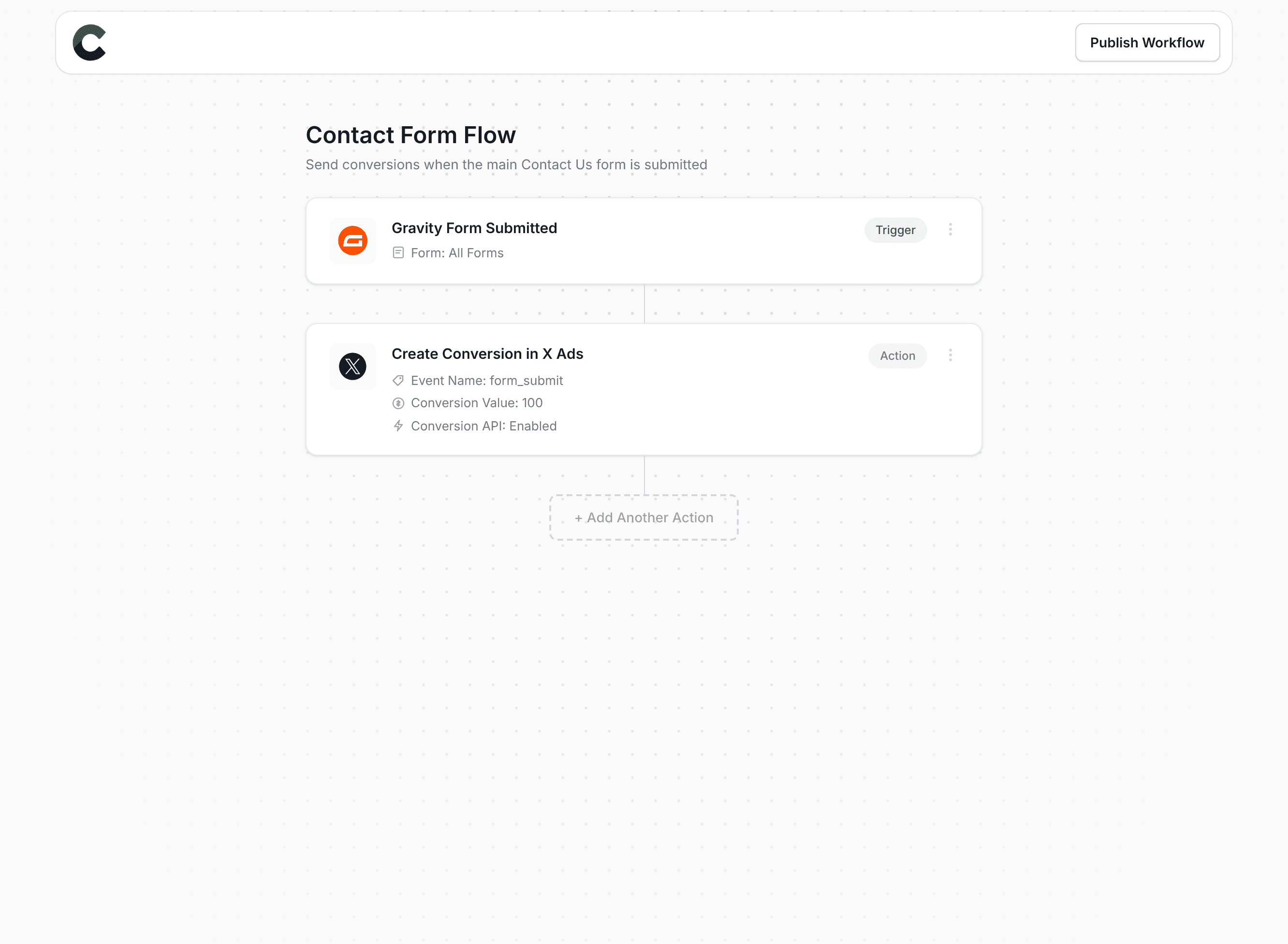
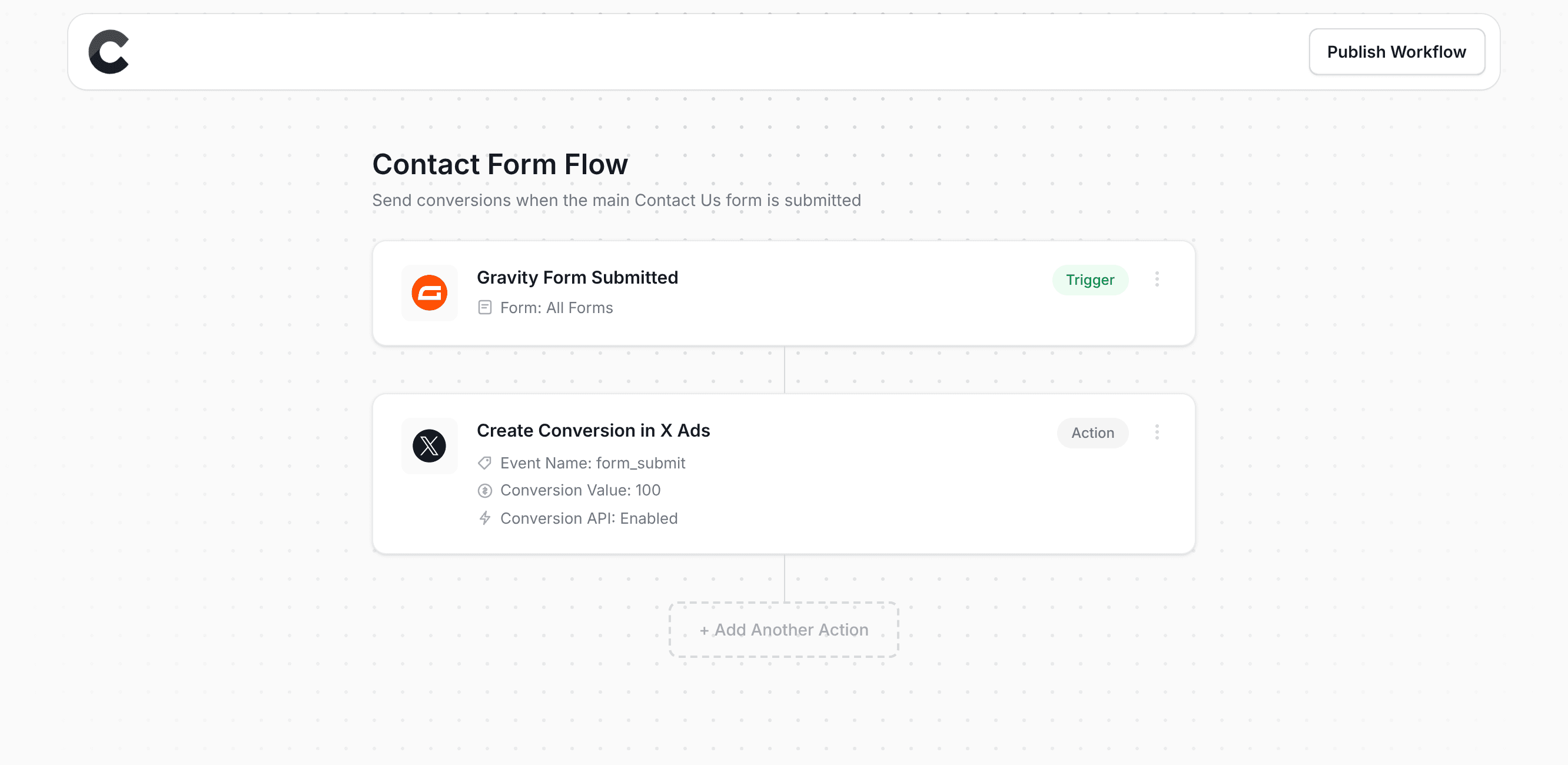
Build your Conversion Flow
Use our drag-and-drop builder to create your conversion workflow and trigger conversions in X Ads.
Add multiple destinations
Send conversions to multiple destinations whenever someone converts on your site
Setup conditional logic
Build logic to send different conversions based on which form, booking or chat triggered them
Send a conversion value
Send a fixed value, or pull the actual amount someone paid from the form or booking
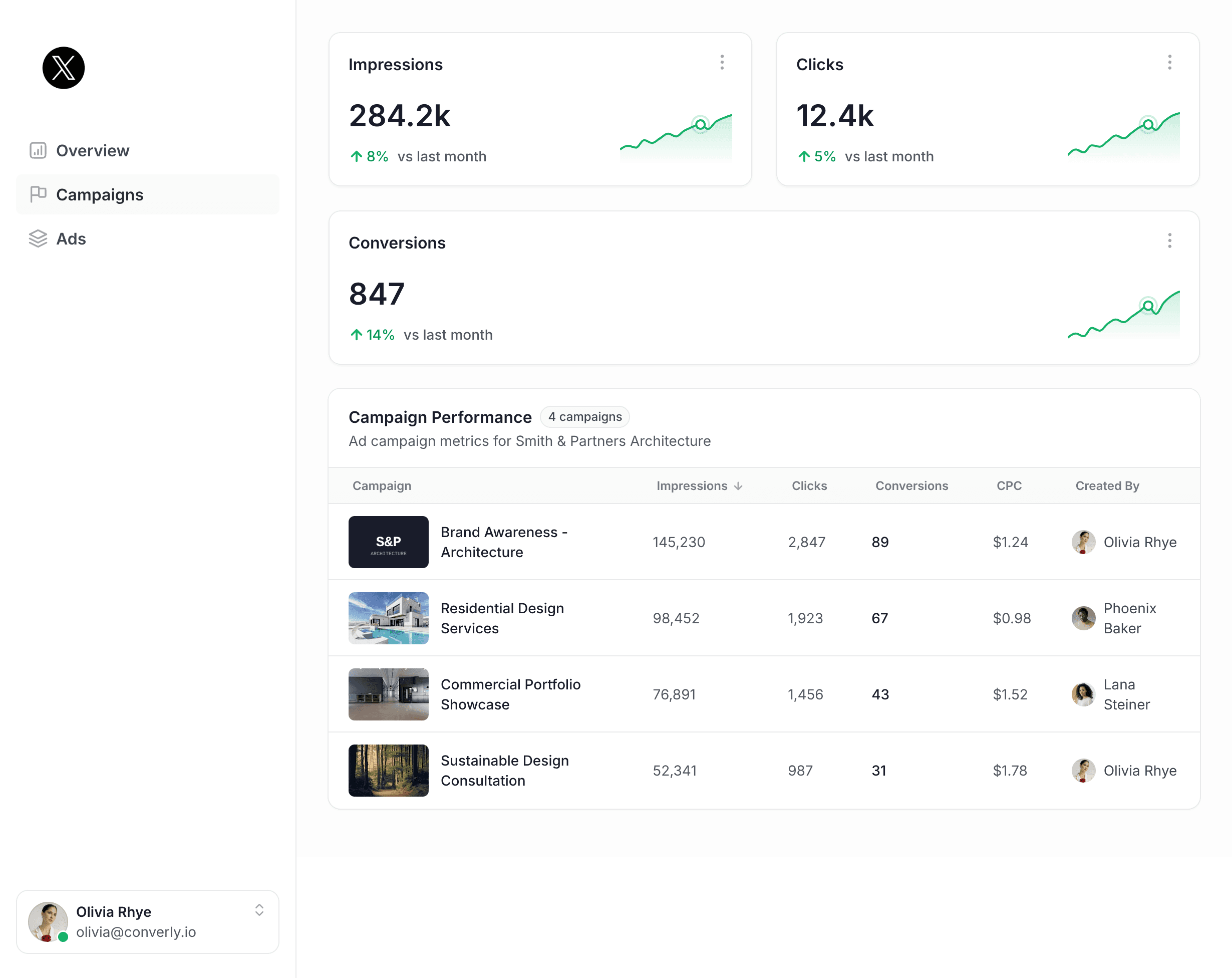
See conversions in X Ads
Watch conversion events flow directly into X Ads. See which campaigns and audiences are driving real results, so you can focus your budget on what's working and improve your return on ad spend.
Sends conversions server-side
Converly uses server-side tracking to send conversions directly to X Ads, bypassing ad blockers and browser restrictions and giving you more accurate conversion data.
- Increase in conversions
- 24%
Source: Stape

Know every conversion landed
Check the log to see exactly what was sent and where, or let email alerts tell you when something needs attention.


See the data Converly captured for each conversion and whether it was delivered to every destination, so you always know tracking fired.
Get an email on every conversion, or only when one fails, so your tracking never breaks silently.
Works with your tools
Converly can send conversion events to X Ads from any form builder, scheduling tool or live chat platform


“Converly is the easiest way to set up conversion tracking in Google Ads & Google Analytics. You can set it up in minutes without any coding or complicated configuration steps”

Pat Barclay
Marketing Manager, Google Australia