


Easily send conversions to AdRoll
Converly automatically sends conversion events to AdRoll when visitors complete forms, book meetings or start a chat, so you can build smarter retargeting audiences and get a clearer picture of how your ads are contributing across every channel.
Works with your forms, scheduling tools and live chat platforms

















Add the Converly code to your website
Add a small snippet of code to your website to allow Converly to listen for form submissions, chat conversations & meeting bookings

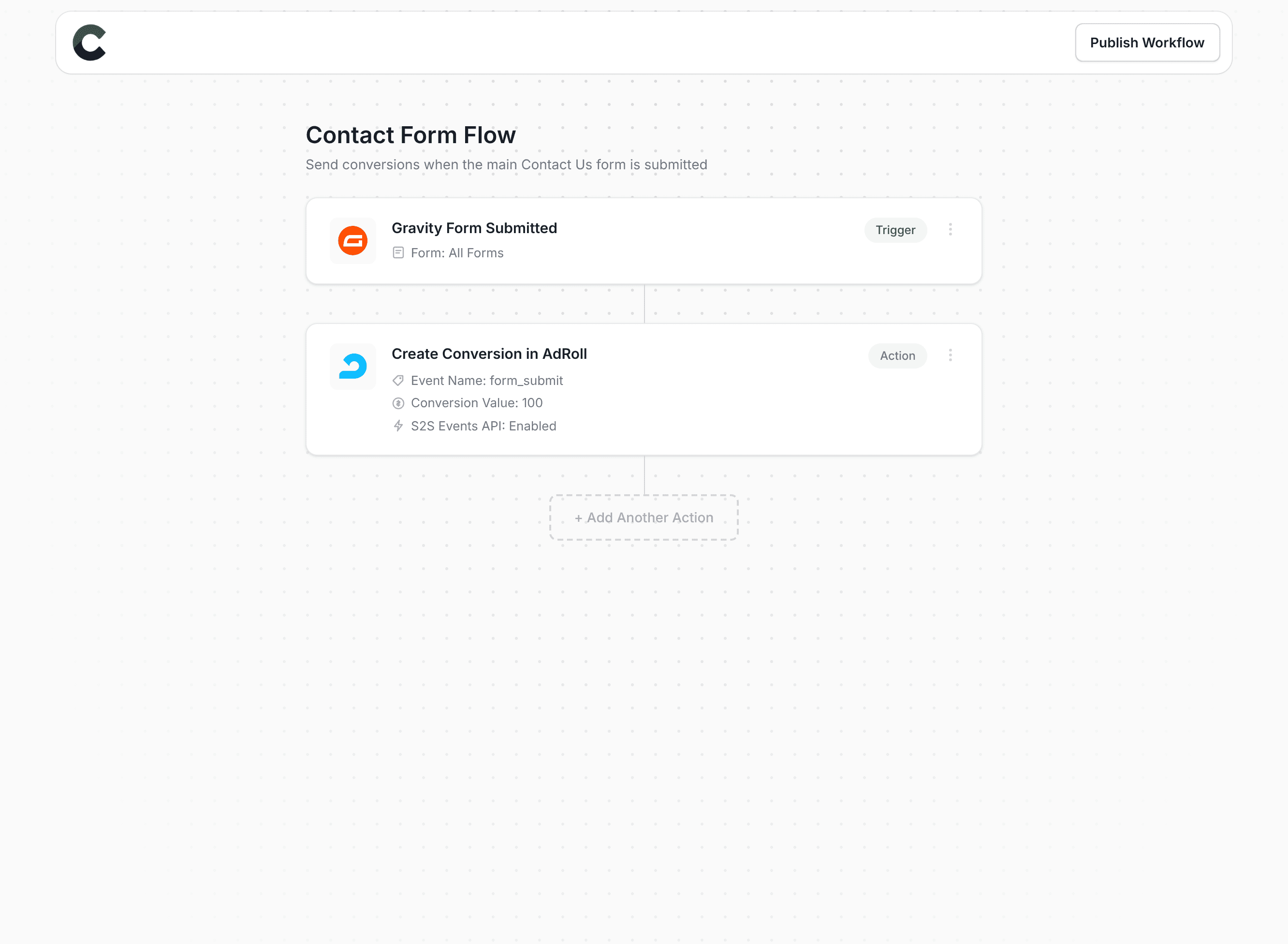
Build your Conversion Flow
Use our drag-and-drop builder to create your conversion workflow and trigger conversions in Adroll.
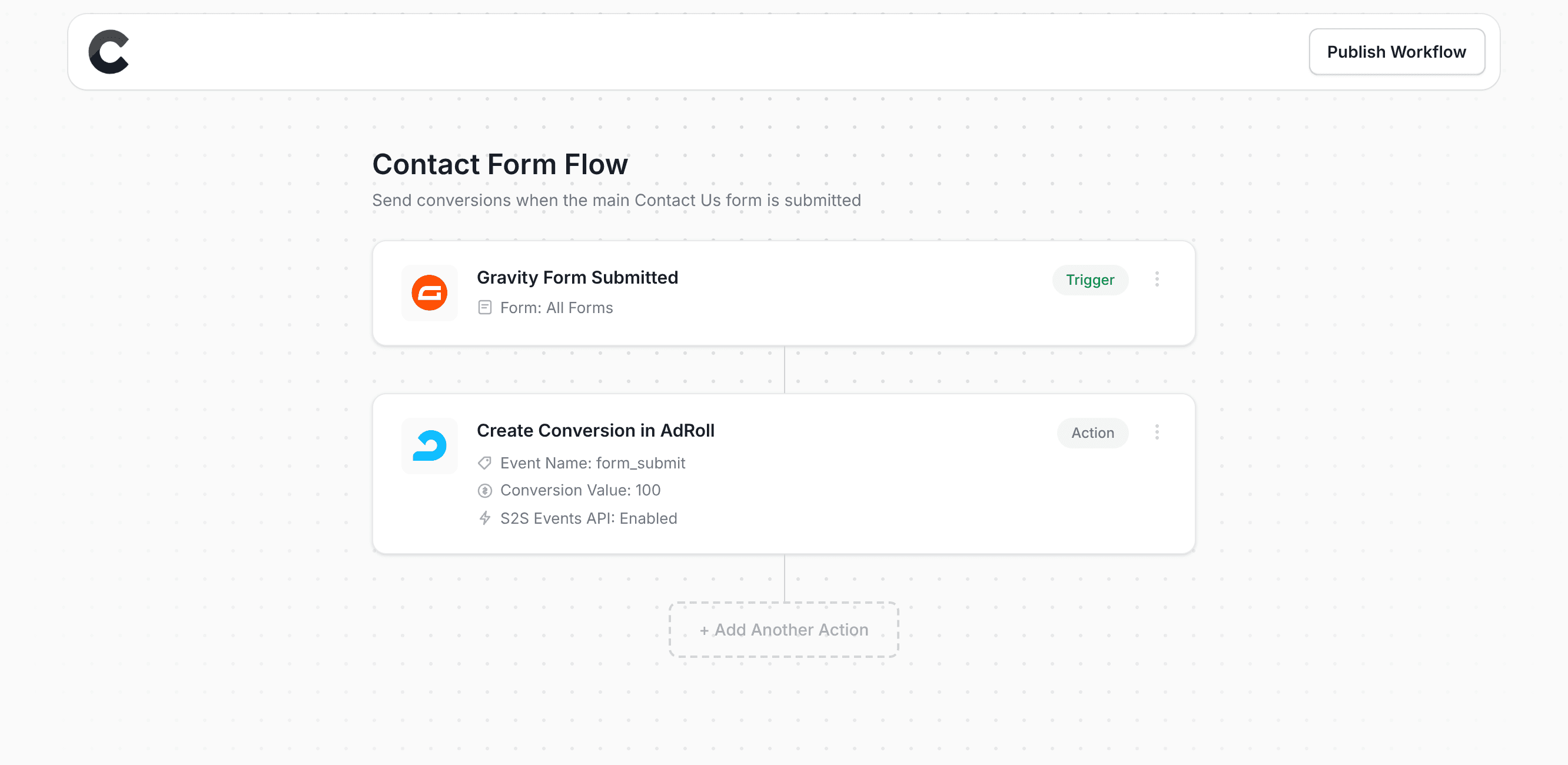
Add multiple destinations
Send conversions to multiple destinations whenever someone converts on your site
Setup conditional logic
Build logic to send different conversions based on which form, booking or chat triggered them
Send a conversion value
Send a fixed value, or pull the actual amount someone paid from the form or booking
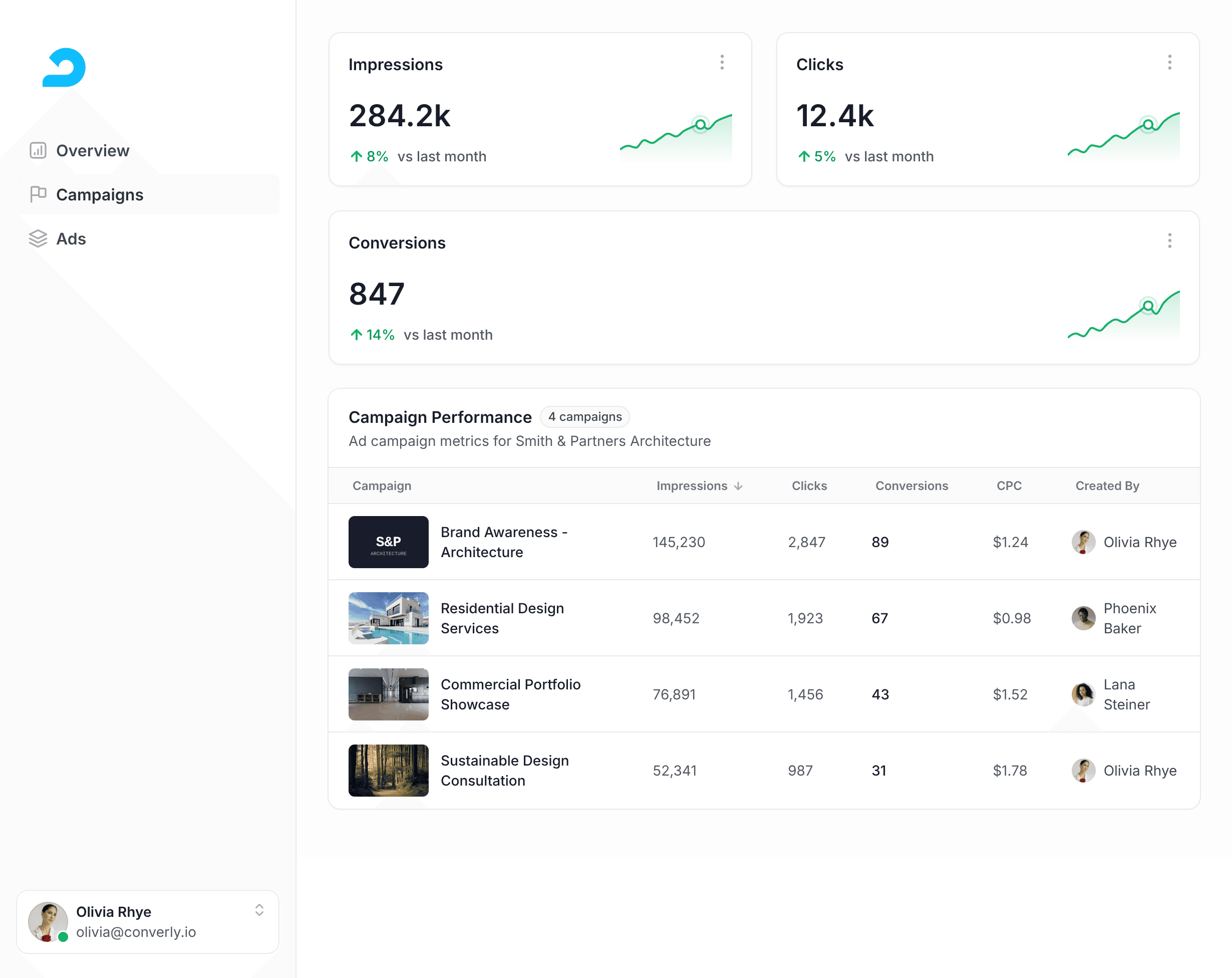
See conversions in Adroll
Watch conversion events flow directly into AdRoll. Use accurate conversion data to build smarter retargeting audiences and get a clearer view of how your ads are performing across every channel.
Sends conversions server-side
Converly uses server-side tracking to send conversions directly to Adroll, bypassing ad blockers and browser restrictions and giving you more accurate conversion data.
- Increase in conversions
- 34%
Source: Tracklution

Know every conversion landed
Check the log to see exactly what was sent and where, or let email alerts tell you when something needs attention.


See the data Converly captured for each conversion and whether it was delivered to every destination, so you always know tracking fired.
Get an email on every conversion, or only when one fails, so your tracking never breaks silently.
Works with your tools
Converly can send conversion events to Adroll from any form builder, scheduling tool or live chat platform


“Converly is the easiest way to set up conversion tracking in Google Ads & Google Analytics. You can set it up in minutes without any coding or complicated configuration steps”

Pat Barclay
Marketing Manager, Google Australia